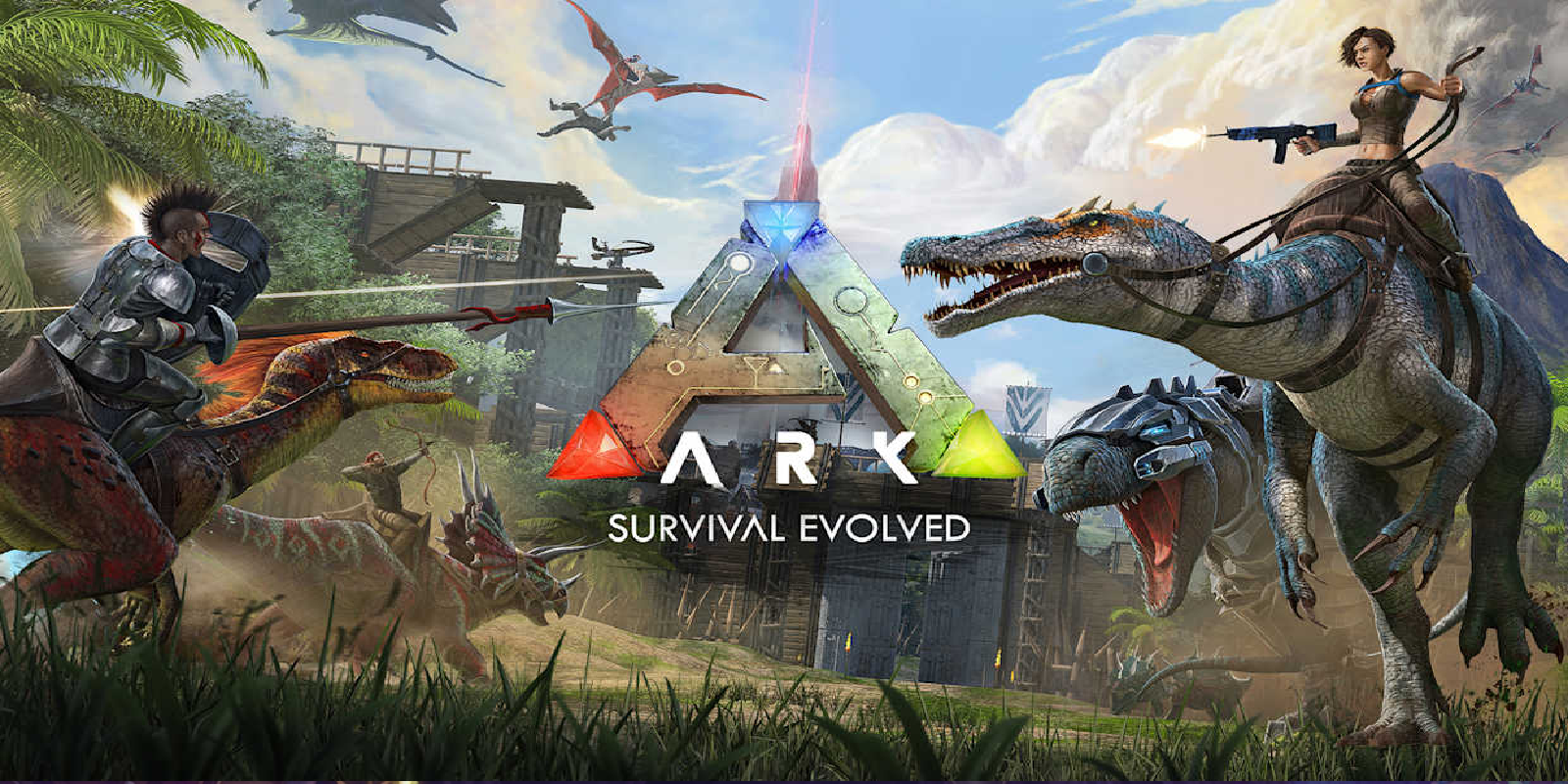
This guide covers running an ARK server on 8Bit Hosting. It covers first connection, configuration, mods, admin, performance, backups and security. Everything is done from the 8Bit Hosting panel.
1. Get your server online
Start the server from the panel and wait for Running. Use Steam View → Servers (filter Unofficial) or open yourip:port in console. Your IP and port (7777) are shown at the top of the server page.
2. Essential configuration
Open GameUserSettings.ini + Game.ini in the File Manager. The settings you'll touch most are XPMultiplier, TamingSpeedMultiplier, HarvestAmountMultiplier, difficulty. Edit, save, then Restart to apply. Always take a backup before large changes.
3. Adding mods
Add Workshop mod IDs to the -mods= startup arg (comma-separated); order matters and they download on boot. Stop the server, add your files via the File Manager or SFTP, then start up and watch the Console for load messages. Keep everything matched to your server version, mismatches are the #1 cause of join failures.
4. Players & admins
Set ServerAdminPassword, then run enablecheats YourPassword in-game. Only hand admin to people you trust, and use strong passwords for admin features.
5. Performance & optimisation
Fewer mods, lower structure/dino limits, and a higher plan keep it smooth. Watch the CPU/RAM graphs on your server page, if you're regularly near 100%, the simplest fix is moving up a plan. Schedule a daily restart to keep memory clean.
6. Backups & updates
Your important data lives in the SavedArks folder. Use Premium Backups (off-site encrypted backups) before any big change. To update: Restart to update via SteamCMD; update mods at the same time.
7. Security & privacy
Set ServerPassword in GameUserSettings.ini. Combine a password/whitelist with a short admin list and regular backups for a safe, stable server.
8. Troubleshooting checklist
- Slow first boot, ARK + mods take minutes to load.
- Mods not loading, check IDs/order in
-mods=. - Not in list, filter Unofficial + your map.
Need a hand?
Open a support ticket with the error from your Console and our team will help you get sorted.
 8Bit Hosting