If your Minecraft server runs Forge or Fabric, you can install mods directly from the panel using the built-in Modrinth mod browser.
\nStep 1:
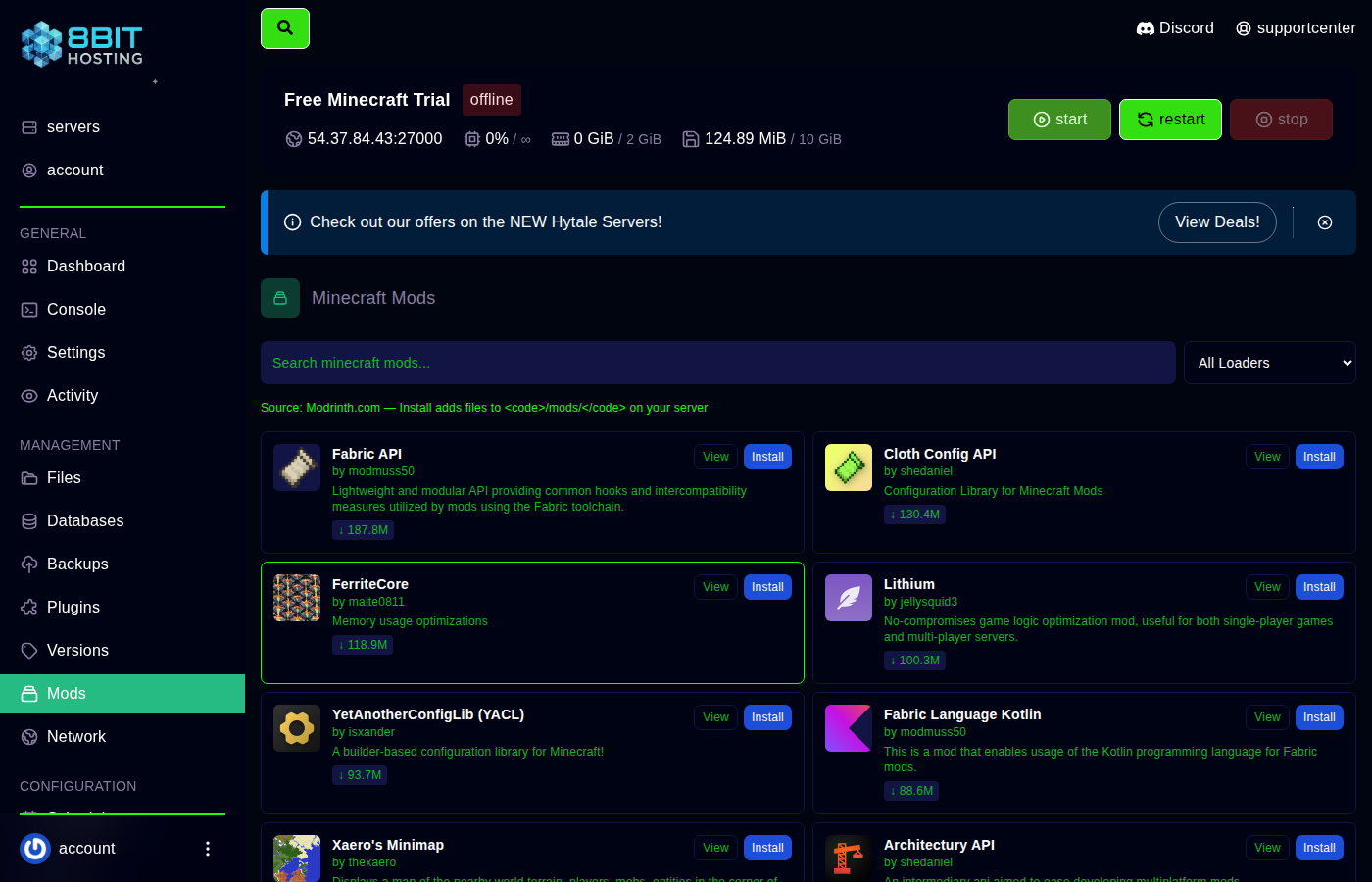 Open the Mods browser
\nLog in at panel.8bit-hosting.com, open your server and click Mods in the sidebar. The Modrinth mod library loads.
\nStep 2: Search and pick your mod
\nSearch by name or category. Pay close attention to:
\n- \n
- Loader - Forge or Fabric? Must match your server. \n
- Minecraft version - Every mod in your folder must match the same game version. \n
- Dependencies - Some mods require a library mod (e.g. Fabric API). Install dependencies first. \n
Step 3: Install
\nSelect the correct version and click Install. The file goes straight into your server's mods folder.
Step 4: Share the modlist with your players
\nEveryone who wants to join needs the identical mods installed. The easiest way is to export your modpack using the Modrinth app and share the export file.
\nStep 5: Restart and verify
\nClick Console then Restart. The console lists every mod that loaded. If a mod shows an error, check it's the right version and all dependencies are present.
\n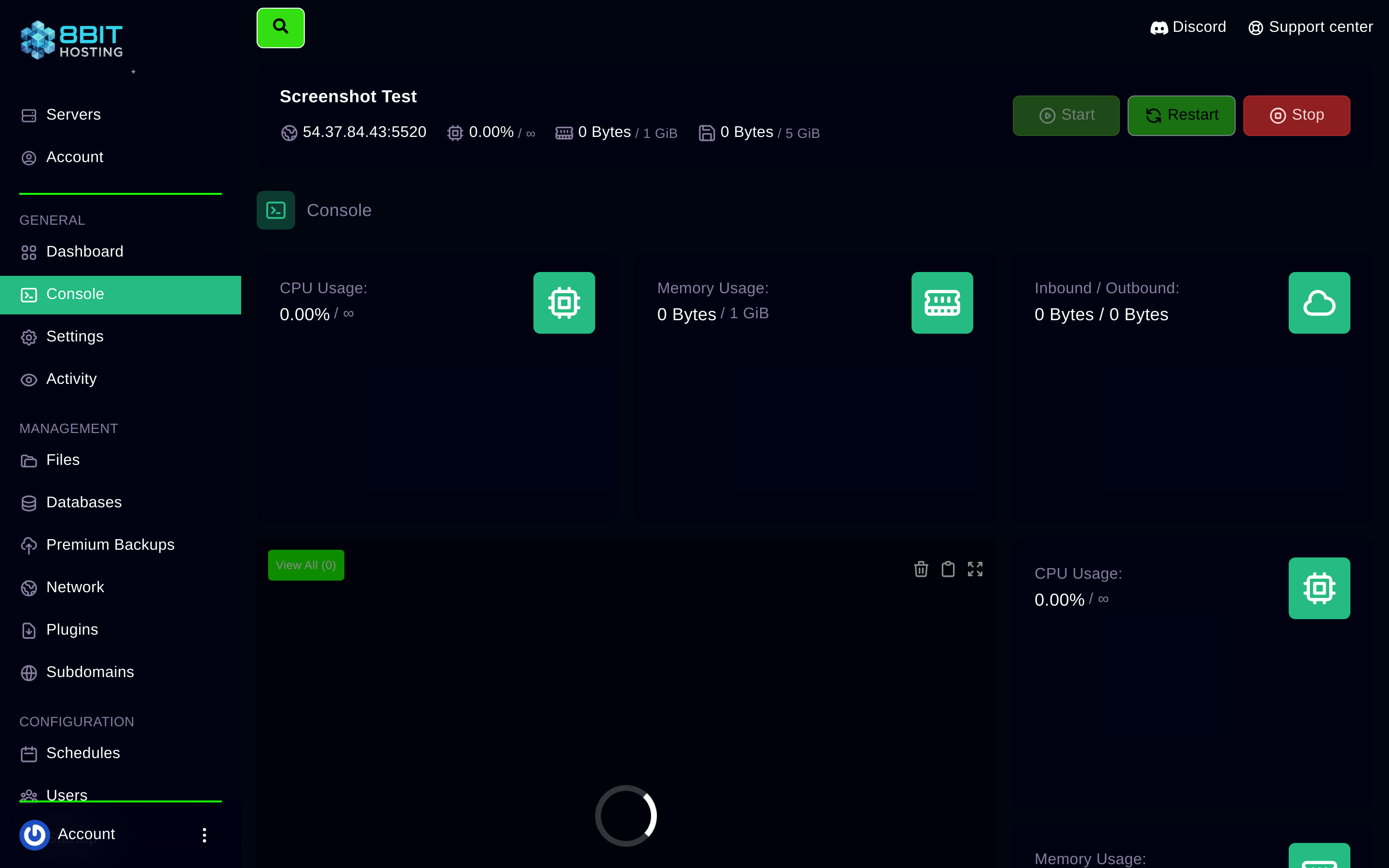 \n
\nRemoving a mod
\nClick Files then mods, find the JAR file and delete it. Always remove mods with the server stopped to avoid world corruption.
\nQuestions? Join our Discord or email support@8bit-hosting.com.
 8Bit Hosting