The 8Bit Admin Portal at provision.8bit-hosting.com/admin/vps lets you view and manage all customer VPS orders, track costs and margins, and take action on individual servers. Access requires admin credentials.
VPS Orders list
The main admin dashboard shows a live overview of every VPS order across all customers, with a stats bar at the top and a searchable/filterable orders table below.
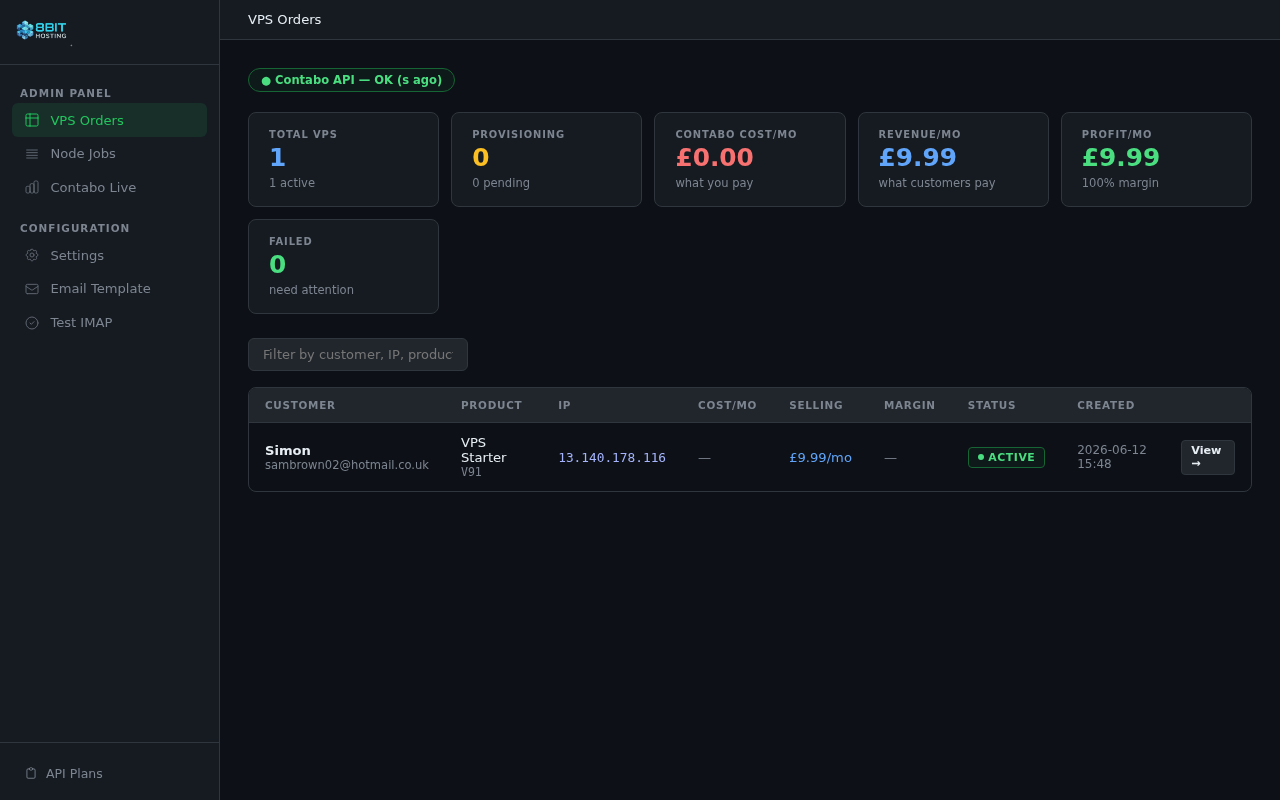
The stat cards show: total VPS, provisioning count, Contabo cost, customer revenue, monthly profit, and failed orders. The search box filters by customer name, email, IP, or product name.
Order detail page
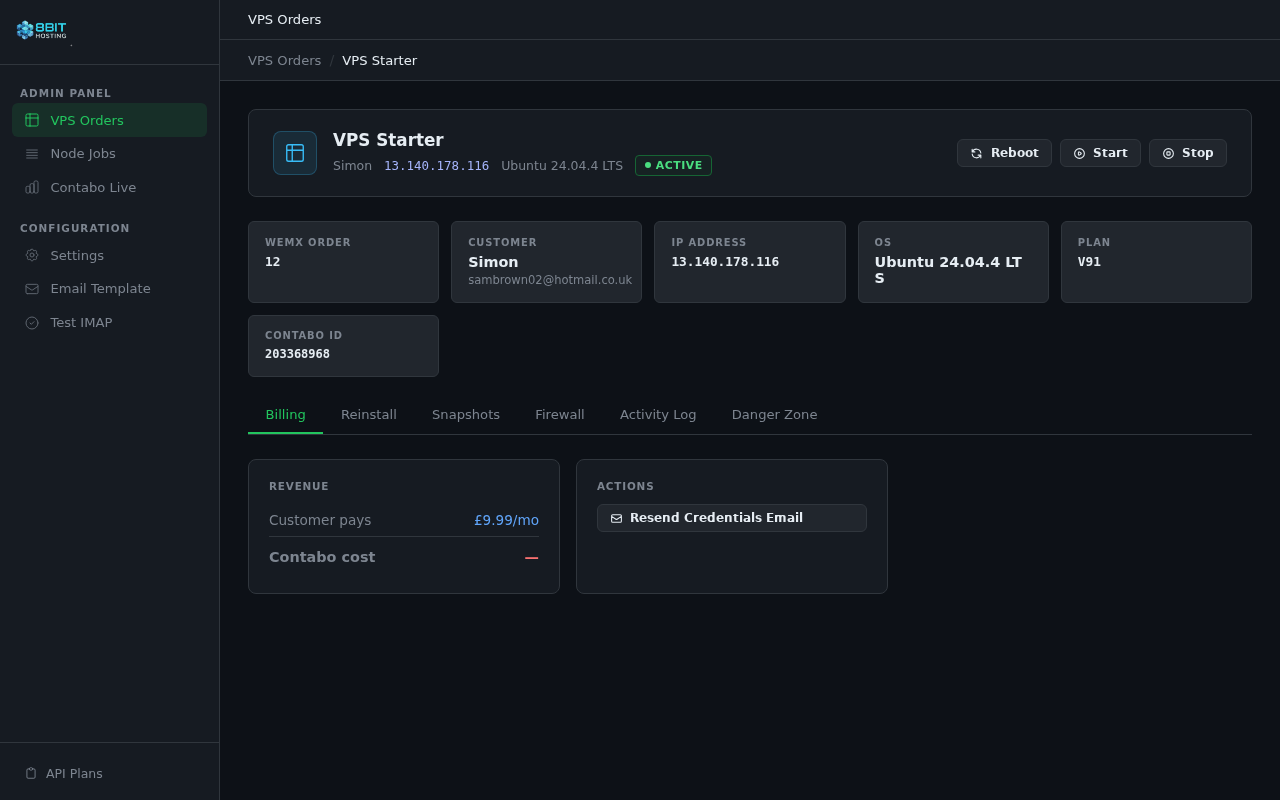
Click View → on any order to open the full detail view. The server header shows the customer name, IP, OS, status, and power action buttons (Reboot, Start, Stop).
Billing tab
Shows the customer's monthly payment, the Contabo cost, and the monthly profit for this server. Also contains the Resend Credentials Email button to re-send the welcome email with SSH details.
Reinstall tab
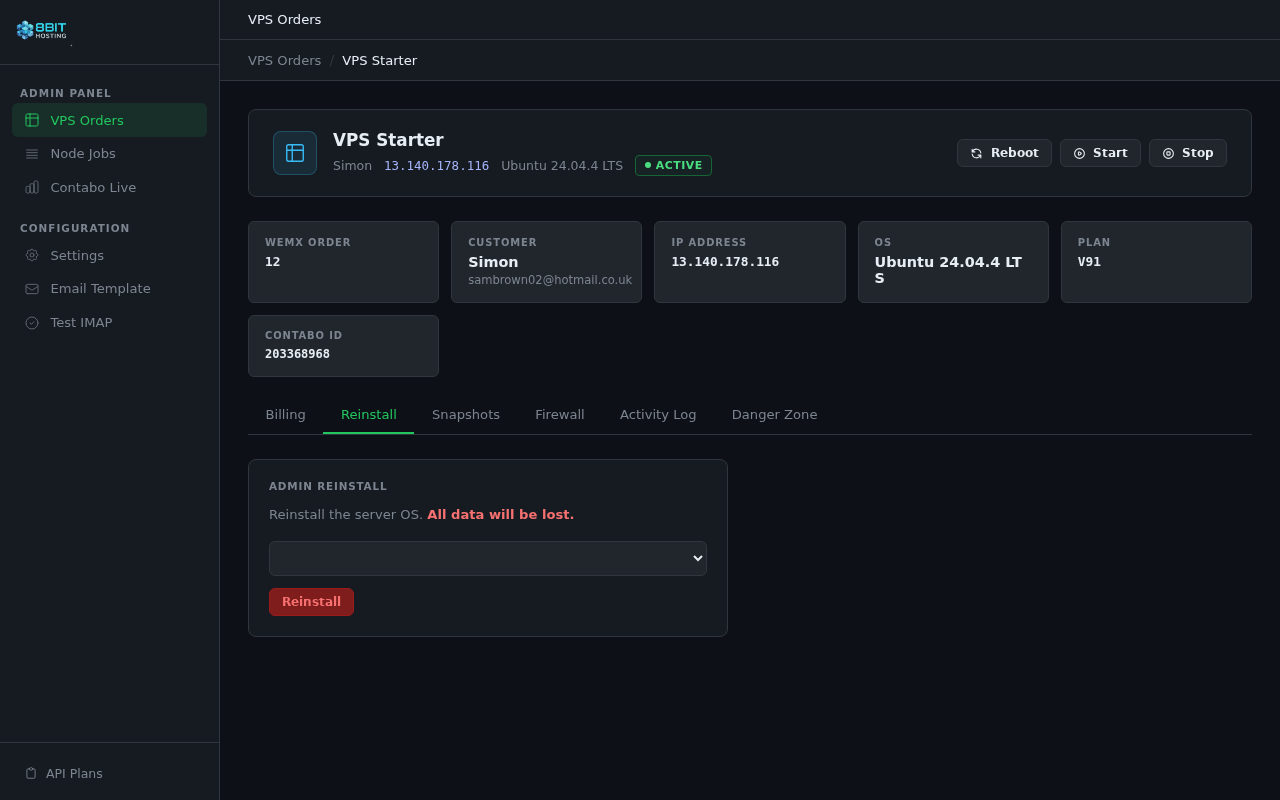
Lets you admin-trigger a full OS reinstall on the customer's server. Select the OS from the dropdown and click Reinstall — a new root password is generated and emailed to the customer.
Snapshots tab
Manage Contabo snapshots for the instance. You can take a new snapshot, restore to a previous one, or delete snapshots from this tab.
Firewall tab
View and remove custom firewall rules applied to this instance via the Contabo API.
Activity Log tab
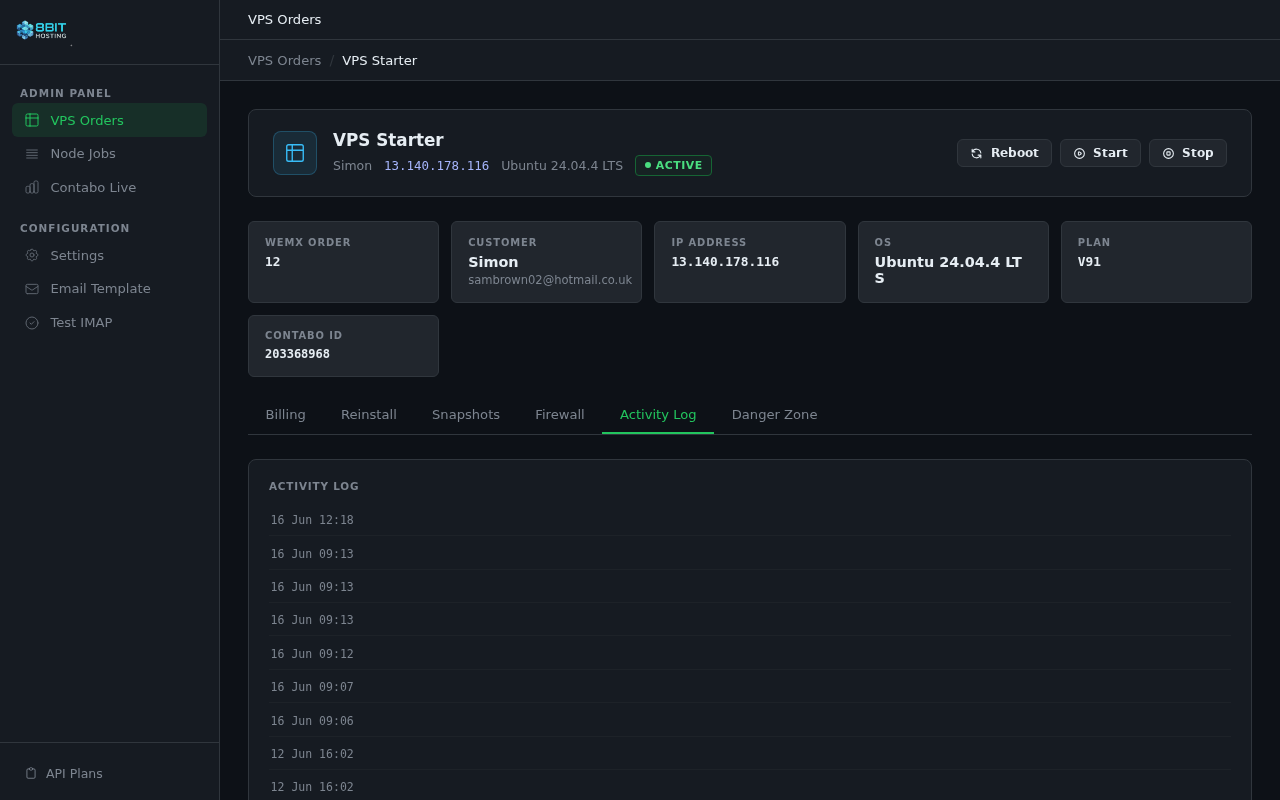
Full provisioning and action history for this server — every step logged with a timestamp, shown newest first.
Danger Zone tab
Contains the Delete VPS & Cancel Order button. This permanently cancels the Contabo instance and marks the WemX order as cancelled. A confirmation modal appears before the action is carried out.
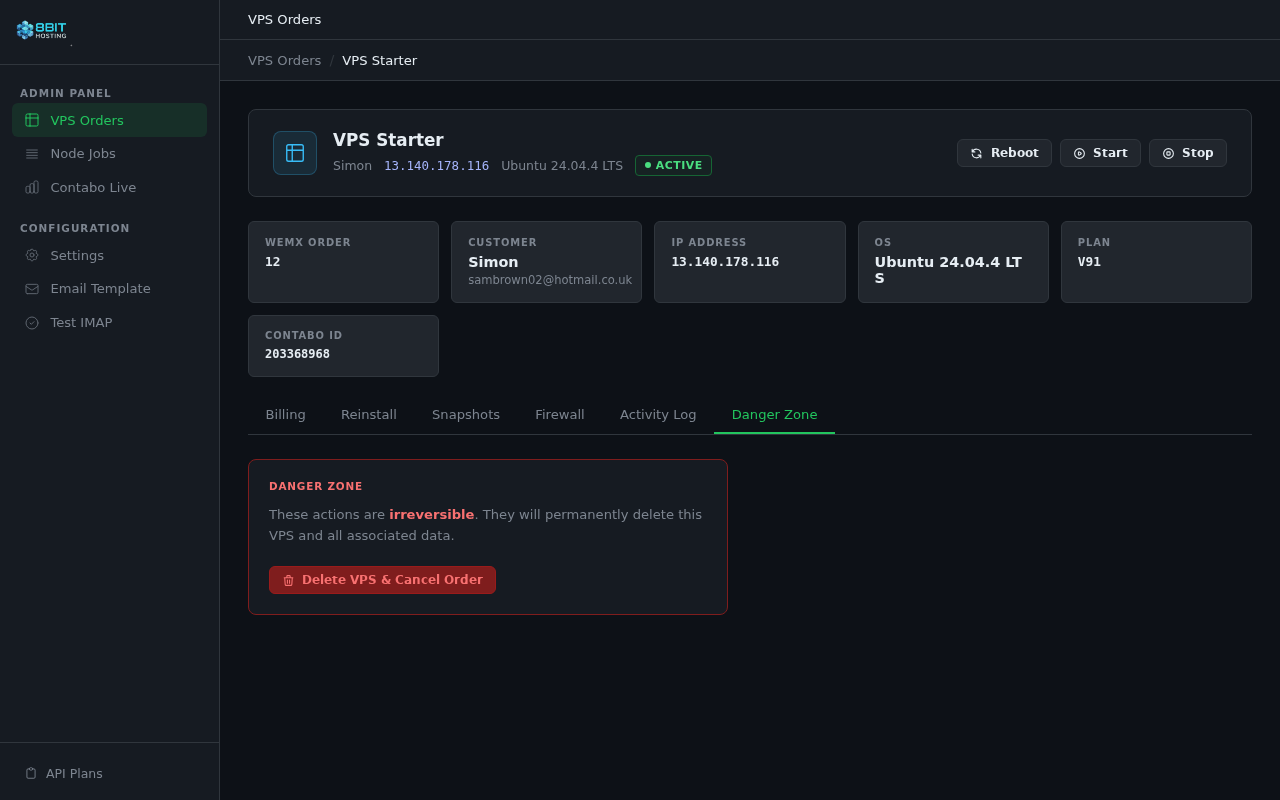
Admin sidebar
The left sidebar provides quick access to all admin sections:
- VPS Orders — the main orders list
- Node Jobs — background provisioning jobs
- Contabo Live — live Contabo instance data
- Settings — provisioner configuration
- Email Template — customise the credentials email
- Test IMAP — verify the OVH mailbox connection
- API Plans — view the available plan definitions
 8Bit Hosting