This guide covers everything you need to know about billing, renewals, and cancellations for VPS and VDS plans.
Billing cycle
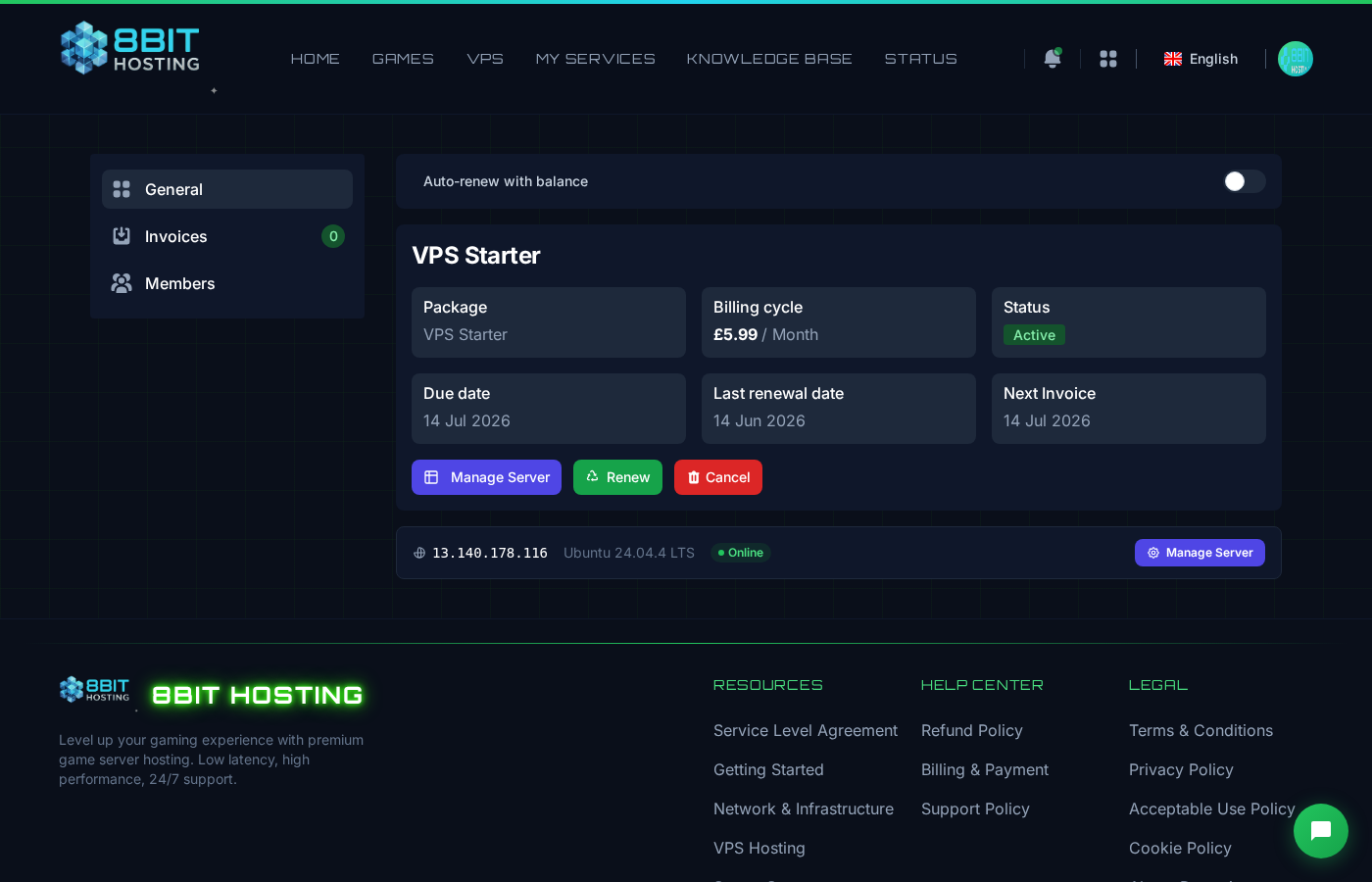
VPS and VDS plans are billed monthly in advance. Your renewal date is shown on your service page in My Services.
Renewals
Your service renews automatically on the due date if you have sufficient account balance or an active payment method. You will receive a reminder email before renewal is due.
If a renewal payment fails, your server will be suspended and then terminated after a grace period. Make sure your payment details are up to date.
Cancellation
You can cancel your VPS at any time from your service management page:
- Go to My Services
- Click on your VPS order
- Click Cancel and confirm
Cancellation takes effect at the end of your current billing period. Your server stays online until then.
Refund policy
A refund can be issued, but a setup and provisioning fee will be deducted to cover server deployment costs already incurred. Please open a support ticket to request a refund after cancelling.
No refund is available. Your service will remain active until the end of the billing period.
If you have questions about billing, please open a support ticket.
 8Bit Hosting