Once your VPS order is confirmed, it is set up automatically, usually within a few minutes. Here is what to expect and how to get started.
Step 1: Wait for your credentials email
As soon as your server is ready you will receive an email to the address on your account with:
- Your server's IP address
- Your root password
- The operating system installed
Setup typically takes 2 to 5 minutes. If you have not received an email after 10 minutes, check your spam folder or open a support ticket.
Step 2: Log in to the Server Portal
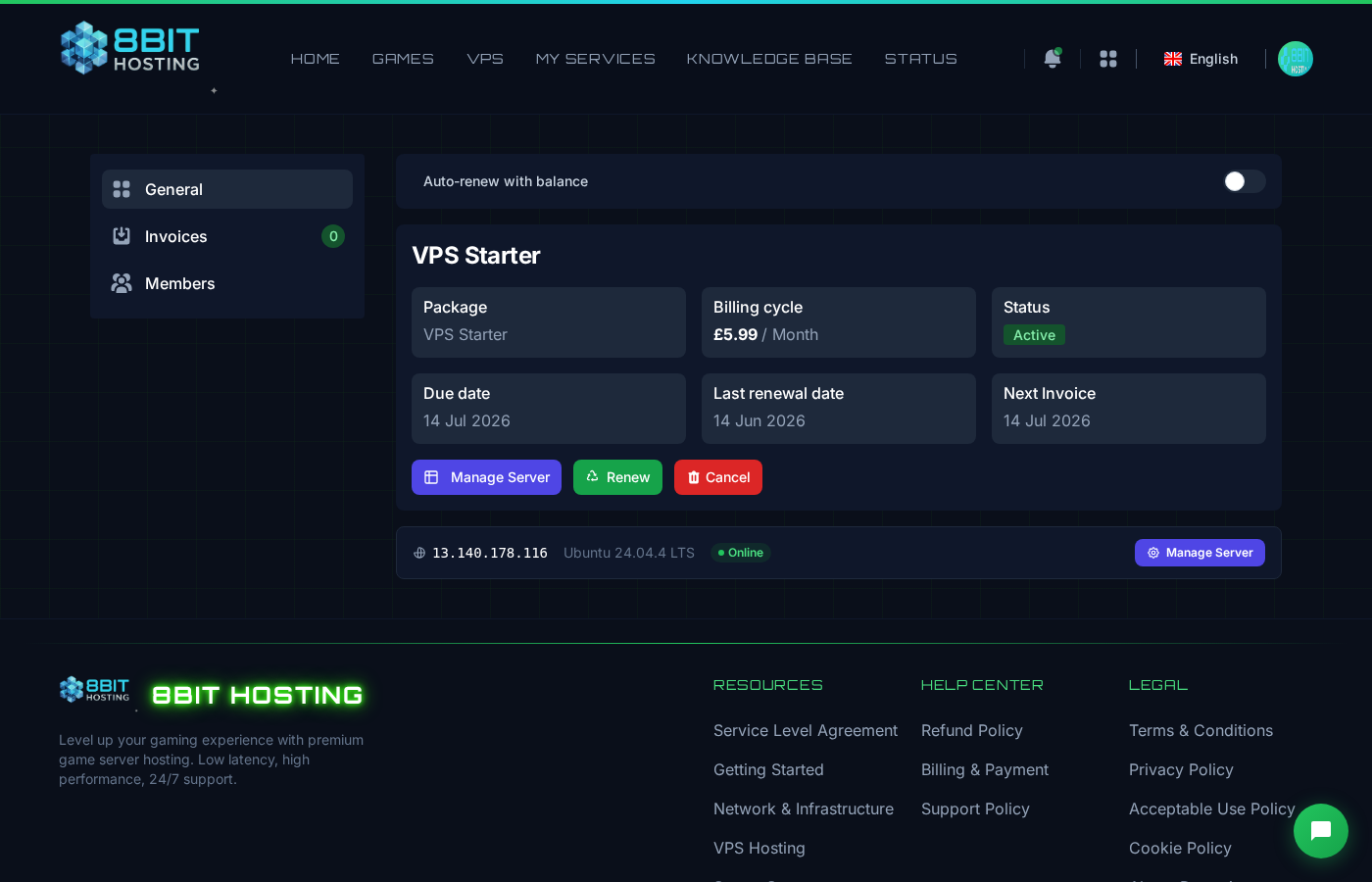
Head to provision.8bit-hosting.com. Sign in with your 8Bit Hosting account credentials, or click the Server Portal button on your service management page to be logged in automatically.
From the portal you can see your IP address, root password, and server status at a glance.
Step 3: Connect via SSH
Use the IP address and root password from your email to connect. See How to Connect to Your VPS via SSH for a full walkthrough.
Step 4: Secure your server
We recommend doing these basics straight after first login:
- Change your root password:
passwd - Update your packages:
apt update && apt upgrade -y(Ubuntu/Debian) ordnf update -y(Rocky/Alma) - Consider creating a non-root user for day-to-day use
Need help?
If you get stuck, open a support ticket and we will get you sorted.
 8Bit Hosting