You can reboot your VPS at any time from the Server Portal. A reboot performs a clean restart. Your data and files are not affected.
Steps
- Go to provision.8bit-hosting.com and sign in
- Click Manage next to your server
- Click the Reboot Server button
- Confirm in the popup that appears
Your server will restart and be back online within approximately 30 seconds.
When should I reboot?
- After installing kernel updates that require a restart
- If your server has become unresponsive and you cannot SSH in
- After making system-level configuration changes
Rate limit
To protect server stability, reboots are limited to 3 per 5 minutes. If you need more frequent reboots, please open a support ticket.
Alternative: reboot via SSH
If you are already connected via SSH, you can also reboot with:
sudo reboot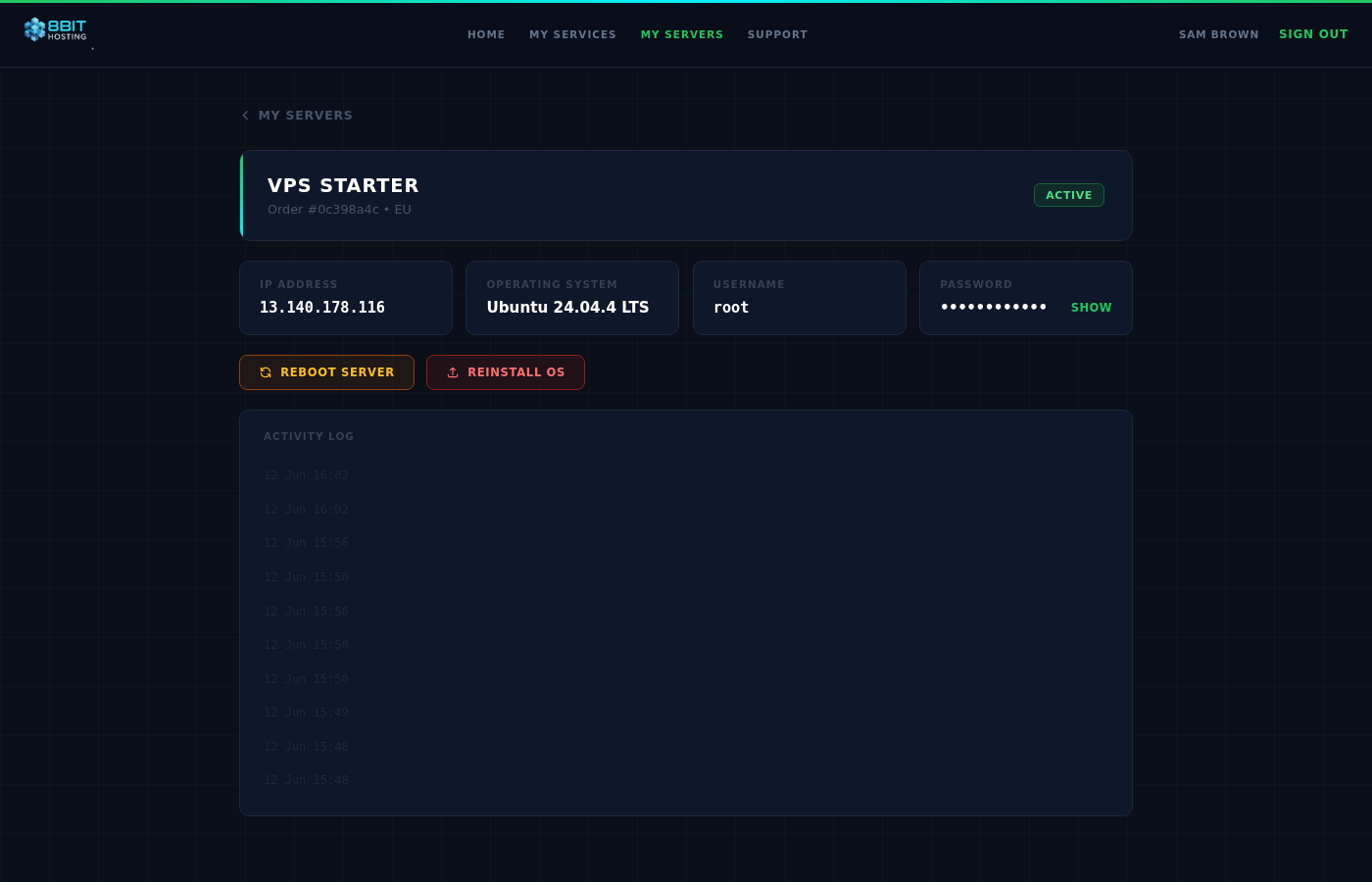
 8Bit Hosting