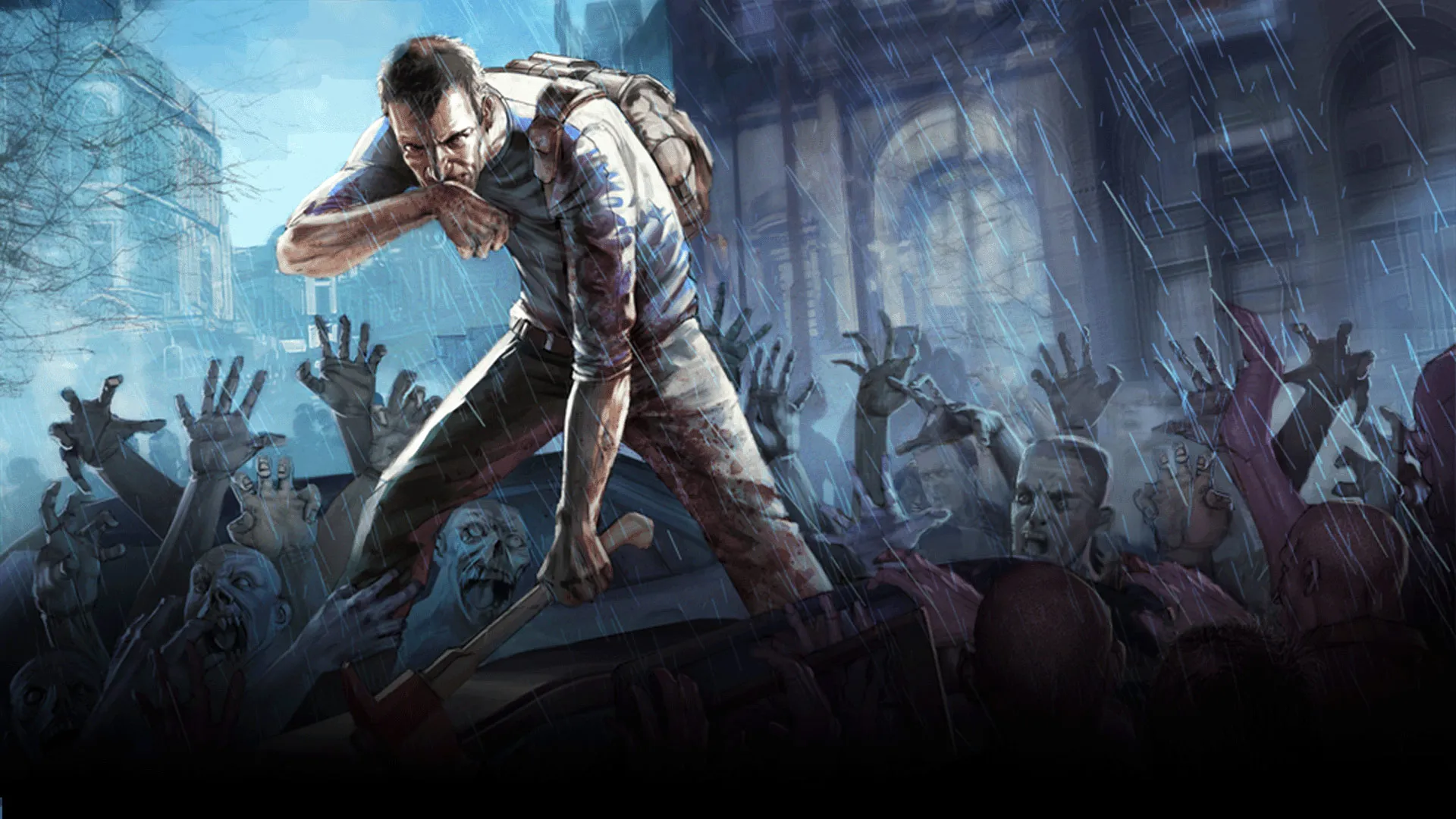
Once your Project Zomboid server shows Running in the panel, you and your friends can join. This guide covers finding your address, connecting, and what to do if it will not connect.
Before you start
- Start the server from the panel and wait for the status to read Running.
- A brand new server needs a minute or two on its first boot.
- Players should be on the same Project Zomboid version as the server.
Find your address
Your server's IP address and port are shown at the top of its page in the panel. The default Project Zomboid port is 16261. If you use a custom connect domain, players can use that instead.
Join the server
On the main menu choose Join, then enter your server IP and port 16261.
Share it with friends
Send them the same address and port. For a private server, give them the password too (see the public or private guide).
If you cannot connect
- Confirm the server status is Running.
- Double check the IP and port.
- Make sure your game version matches the server.
- Give a new server time to finish its first start.
Everything above is done from the 8Bit Hosting panel. Need help? Open a ticket in our Discord or email support@8bit-hosting.com.
 8Bit Hosting