If you want to start fresh with a clean OS, you can reinstall directly from the Server Portal. This is useful if your server has become misconfigured or you want to switch Linux distributions.
Important: data will be wiped
Warning: A reinstall will permanently delete all data on your server. Make sure you have backed up anything you want to keep before proceeding.
Steps
- Go to provision.8bit-hosting.com and sign in
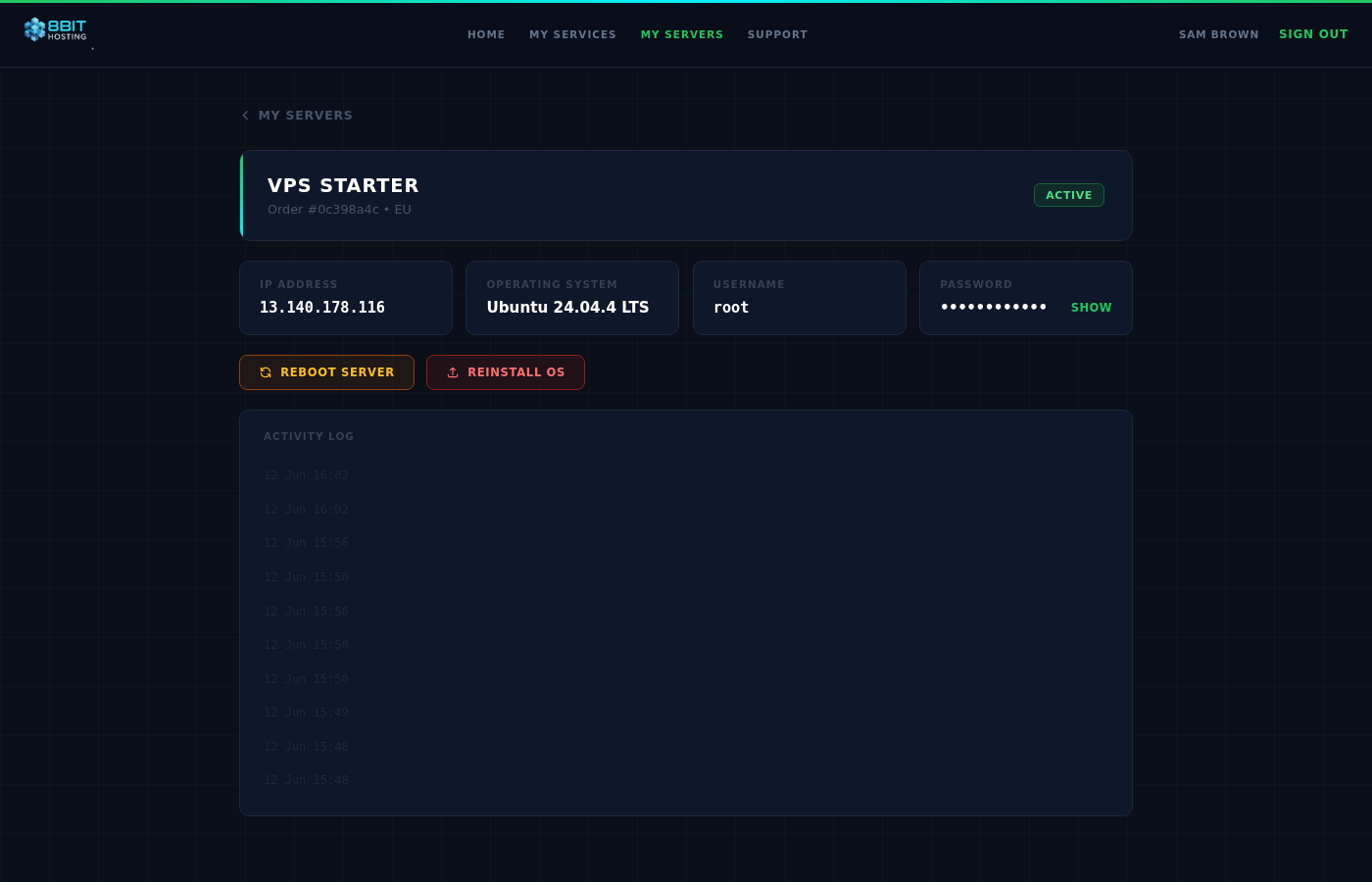
- Click Manage next to your server
- Click Reinstall OS
- Select the operating system you want from the dropdown
- Click Reinstall Now to confirm
The reinstall typically takes 5 to 10 minutes. Once complete, you will receive a new set of credentials by email.
Available operating systems
See What Operating Systems Are Available? for a full list.
Need Windows?
Windows is not available via self-service reinstall. If you need Windows, please open a support ticket. Windows requires a licensing fee and is set up manually.
Rate limit
Reinstalls are limited to 2 per hour to prevent abuse.
 8Bit Hosting