Premium Backups protect your world, config files and player data with encrypted off-site storage. One click from the panel is all it takes.
What are Premium Backups?
Premium Backups use Restic to encrypt your server data and store it on a completely separate storage system, off the node your server runs on. Even in a worst-case hardware failure on the server, your data is safe. There is nothing to configure. It works straight out of the box.
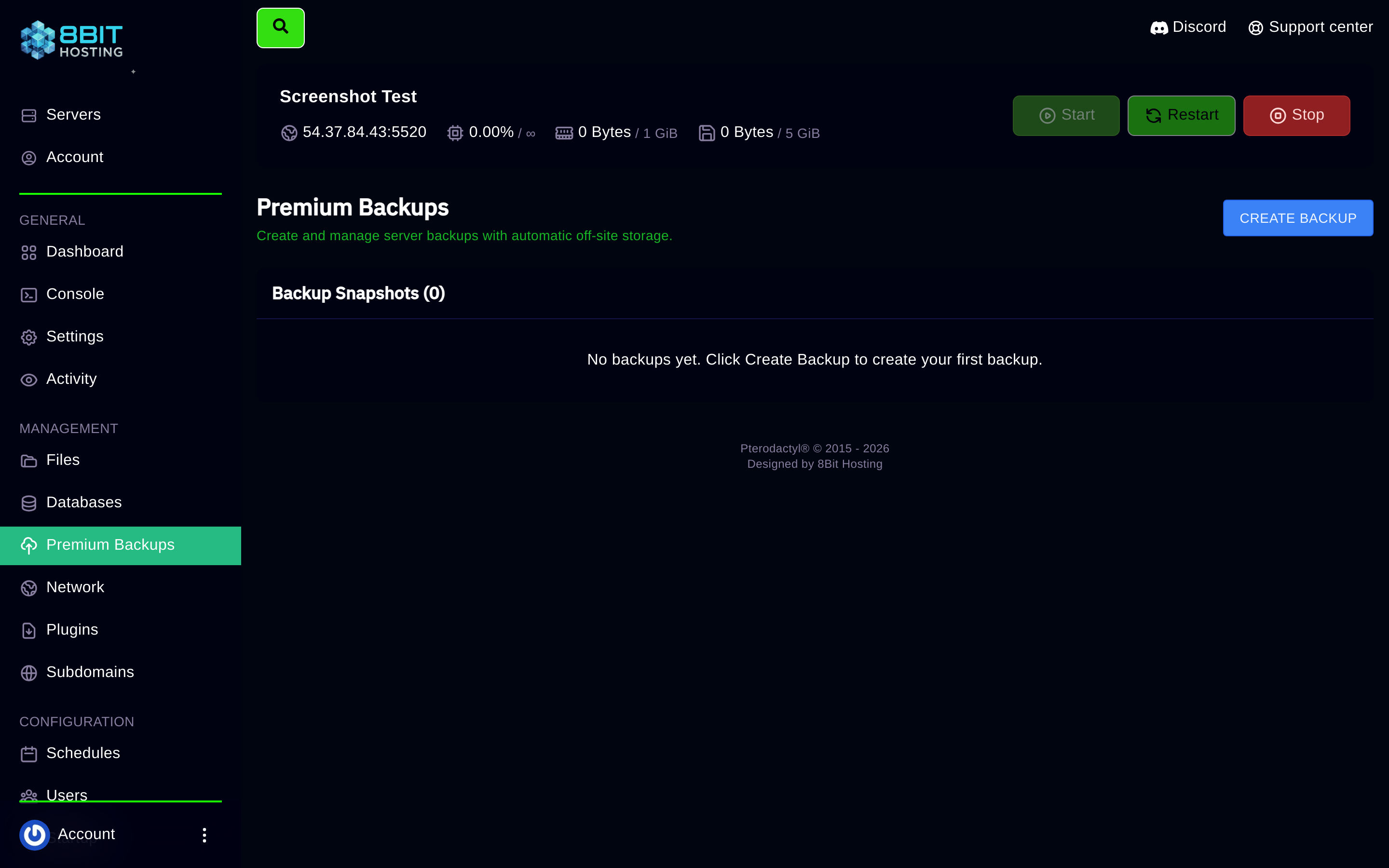
How to take a backup
- Open your server in panel.8bit-hosting.com
- Click Premium Backups in the left sidebar
- Click CREATE BACKUP
- The backup runs in the background. A new entry appears in the Backup Snapshots list once it is complete
How to restore a backup
In the Backup Snapshots list, click the restore button next to any snapshot and confirm. The panel stops your server, replaces all files, then restarts it automatically.
When should I take a backup?
- Before installing mods or plugins
- Before updating the game version
- Before making major config changes
- Before wiping or resetting the world
Two minutes of backing up can save hours of rebuilding.
Need help? Open a ticket in Discord or email support@8bit-hosting.com.
 8Bit Hosting