Picking the right plan avoids paying for resources you don't need, or hitting limits that hurt performance. Here's how to think about it.
RAM
RAM is the most important factor. More players and mods = more RAM needed.
- Minecraft vanilla (1 to 10 players): 2 GB is plenty
- Minecraft with mods/plugins (10 to 30 players): 4 to 6 GB
- Heavily modded (30+ players or large mod packs): 8 GB+
- Rust: 4 GB minimum; 8+ GB for 100+ players
- ARK: 8 GB minimum for a comfortable experience
- Valheim, Terraria, Project Zomboid: 2 to 4 GB for most groups
- Garry's Mod, CS2: 2 to 4 GB depending on player count and addons
Player slots
Each plan on 8Bit Hosting lists a Recommended Slots figure, that's the sweet spot for good performance on that RAM. You can set the slot limit higher in Startup settings, but the game will lag if you exceed the recommended count.
Disk space
Most game servers use surprisingly little disk:
- Vanilla Minecraft world: ~50 MB to a few GB depending on explored area
- Modded Minecraft (e.g. ATM9): 15 to 30 GB with a full mod pack
- Rust: 5 to 15 GB for a medium map
- ARK: 15+ GB
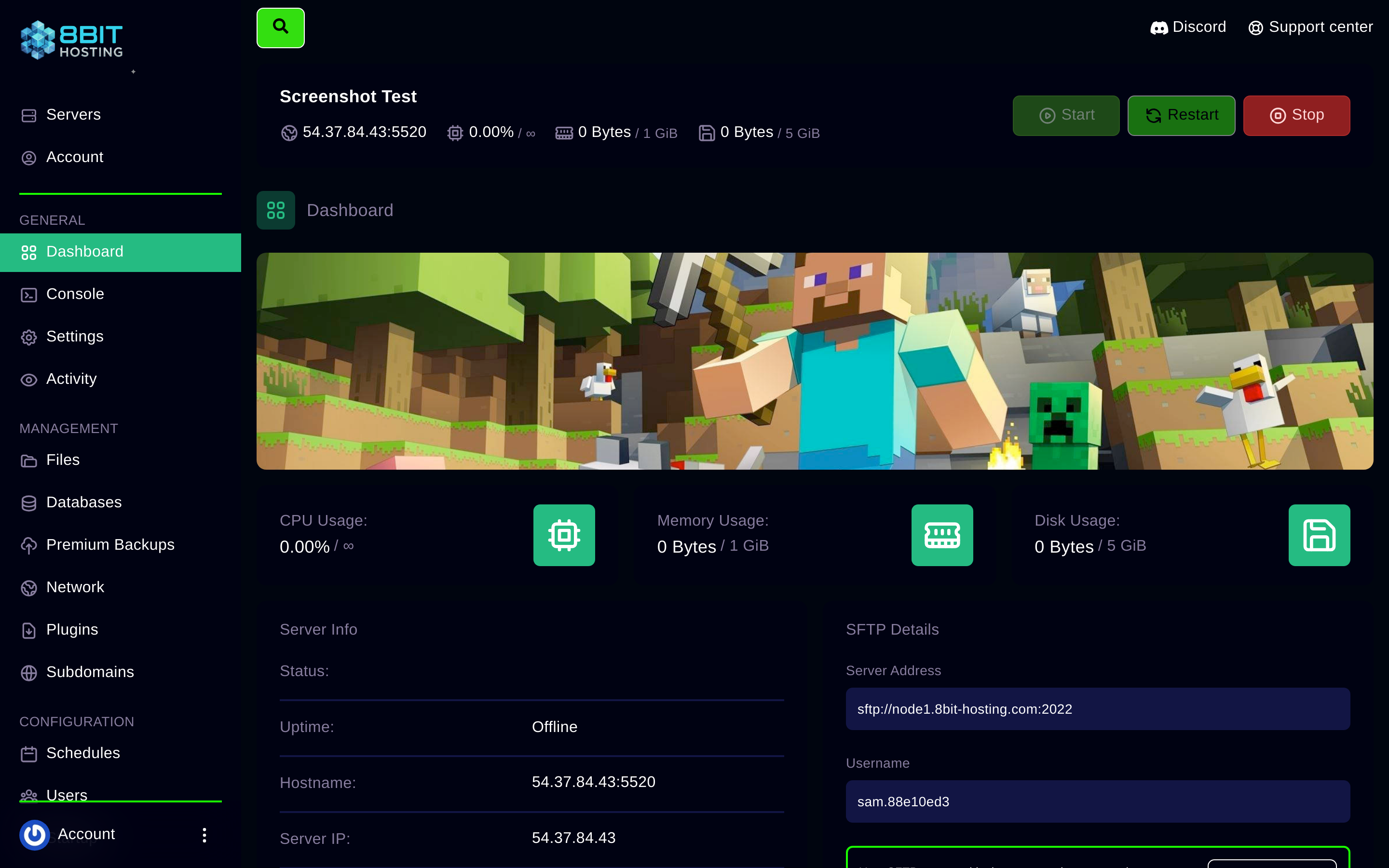
If you run out of disk, you can usually clear old backups or upgrade your plan. Check current usage on the Dashboard tab.
Start small, scale up
Not sure? Start with the mid-tier plan for your game and watch the RAM usage in the panel. If it consistently sits above 85% you'll want to upgrade. If it's below 50% you could save money by stepping down. Upgrading is instant, contact us via Discord or email.
 8Bit Hosting