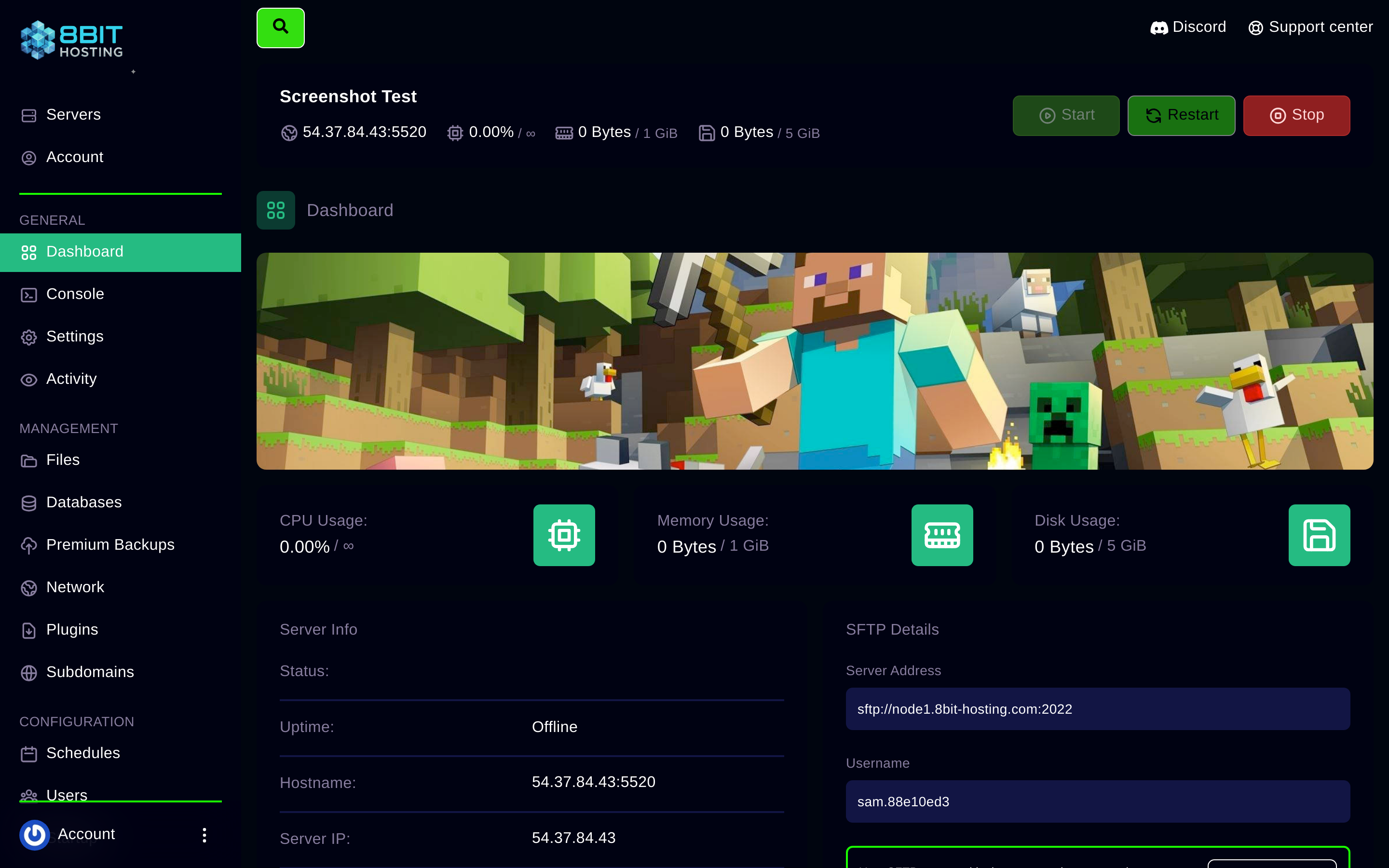
By default your server connects via an IP and port like 54.37.84.43:27015. You can replace this with a clean domain like play.yourserver.com or use our free subdomain system.
Option 1, Free 8bit-hosting.com subdomain
Log in to panel.8bit-hosting.com, open your server and click Subdomains in the left sidebar. Type the name you want (e.g. myserver) and save. Your server will then be reachable at myserver.8bit-hosting.com. No DNS setup needed, it works instantly.
Option 2, Your own domain (SRV or A record)
If you own a domain (e.g. through Namecheap, Cloudflare, GoDaddy), you can point it at your server:
For Minecraft (SRV record, hides the port)
- In your DNS provider, create a SRV record:
- Service:
_minecraft| Protocol:_tcp| Name:play(or your subdomain) - Priority:
0| Weight:5| Port: your server's port | Target:54.37.84.43 - Players can now connect with just
play.yourdomain.com
For all other games (A record + port in address)
- Create an A record pointing your subdomain (e.g.
server.yourdomain.com) to54.37.84.43 - Players connect using
server.yourdomain.com:PORT
DNS changes can take up to 48 hours to propagate, though usually it's under an hour.
Finding your IP and port
Your server's address is on the Dashboard tab inside the panel.
Stuck? Ask in Discord or email support@8bit-hosting.com.
 8Bit Hosting