Most game server security issues come from weak passwords, too many admins, and outdated software. Here is how to stay safe.
Use a strong panel password
Your panel.8bit-hosting.com password is also your SFTP password. Use a unique password you don't use elsewhere, a password manager makes this easy. Never share it. You can change it under Account → Security in the panel.
Limit who has admin access
Only give admin/operator status to players you fully trust. For Minecraft, use the ops.json file or /op command carefully. Rogue admins can delete worlds, ban players or destroy your server.
Enable a server password or whitelist for private servers
If your server is for a closed group, either set a join password (Rust) or turn on the whitelist (Minecraft: white-list=true in server.properties). This stops random players from joining and griefing.
Keep plugins and mods updated
Outdated plugins are a common way for servers to get exploited. Check for updates in your mod/plugin manager or via the file manager. If a plugin hasn't been updated in over a year and has known vulnerabilities, consider removing it.
Take regular backups
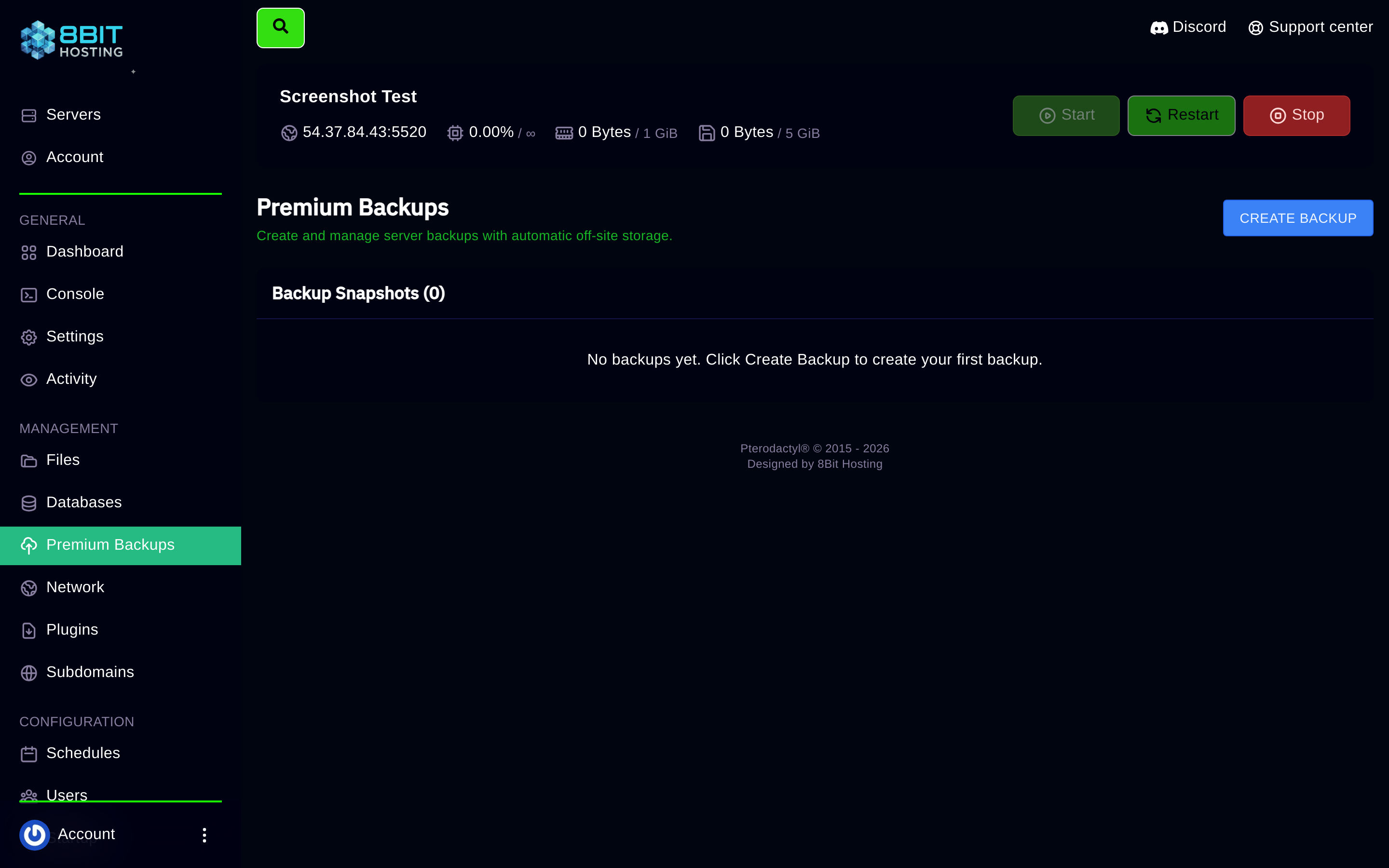
If someone does grief your server or a bad update corrupts the world, a recent backup means you lose minutes of progress rather than weeks. Take a regular backup via Premium Backups in the panel sidebar before major changes. See the Backing Up Your Server guide.
SFTP safety
Only transfer files from trusted sources. Malicious mods can contain code that crashes or exploits your server. If you download mods, use official sources (Modrinth, CurseForge, SpigotMC) rather than random Discord servers.
Spotted something suspicious? Open a ticket in Discord or email support@8bit-hosting.com.
 8Bit Hosting