
Plugins like LuckPerms, CoreProtect and Dynmap can store data in a MySQL database instead of flat files. This makes them faster on busy servers. The panel lets you create a database with one click.
\nStep 1:
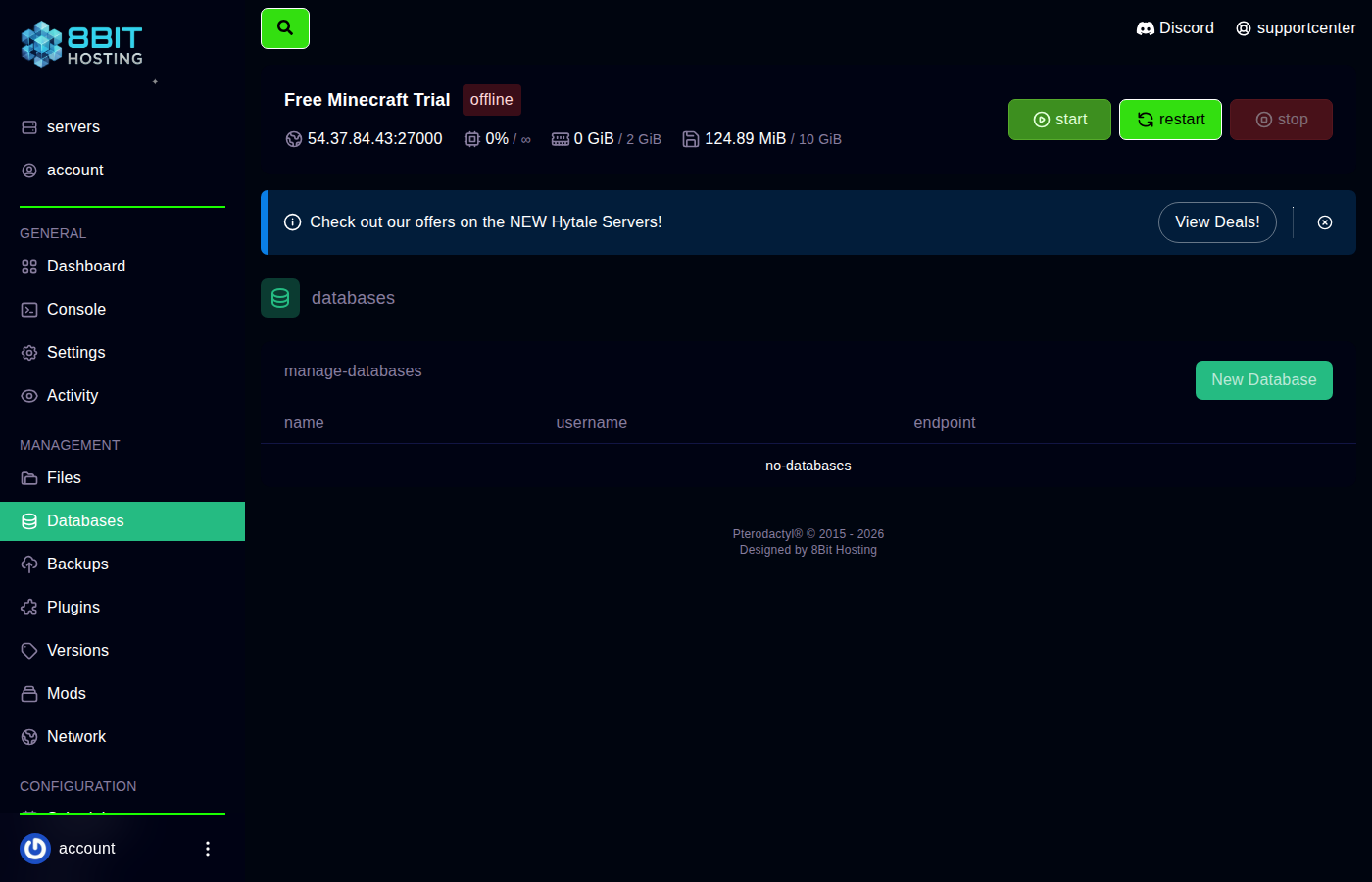 Open the Databases tab
\nLog in at panel.8bit-hosting.com, open your server and click Databases in the sidebar. Click New Database.
\nStep 2: Create the database
\nGive your database a name (for example luckperms) and leave Connections From as %. Click Create Database.
Step 3: Copy the connection details
\nThe panel shows your credentials: endpoint (hostname), database name, username and password (click the eye icon to reveal). Copy these into your plugin's config file.
\nStep 4: Configure your plugin
\nOpen the plugin's config file from Files. Here's an example for LuckPerms (plugins/LuckPerms/config.yml):
storage-method: mysql\n\ndata:\n address: 'your-endpoint-here'\n database: 's1234_luckperms'\n username: 'u1234_luckperms'\n password: 'your-password-here'\n
Save and restart the server. The plugin creates its tables automatically on first launch.
\nCommon issues
\n- \n
- Communications link failure - Check the endpoint and port (usually 3306). \n
- Access denied - Double-check username and password. Passwords are case-sensitive. \n
- Plugin still using flat files - Some plugins need a full server stop and start (not just reload) to switch storage backends. \n
Need help? Join our Discord or email support@8bit-hosting.com.
 8Bit Hosting