
By default your server has an IP like 123.456.789.0:25565. With a free subdomain, players connect using something like myclan.8bit-hosting.com instead.
Step 1:
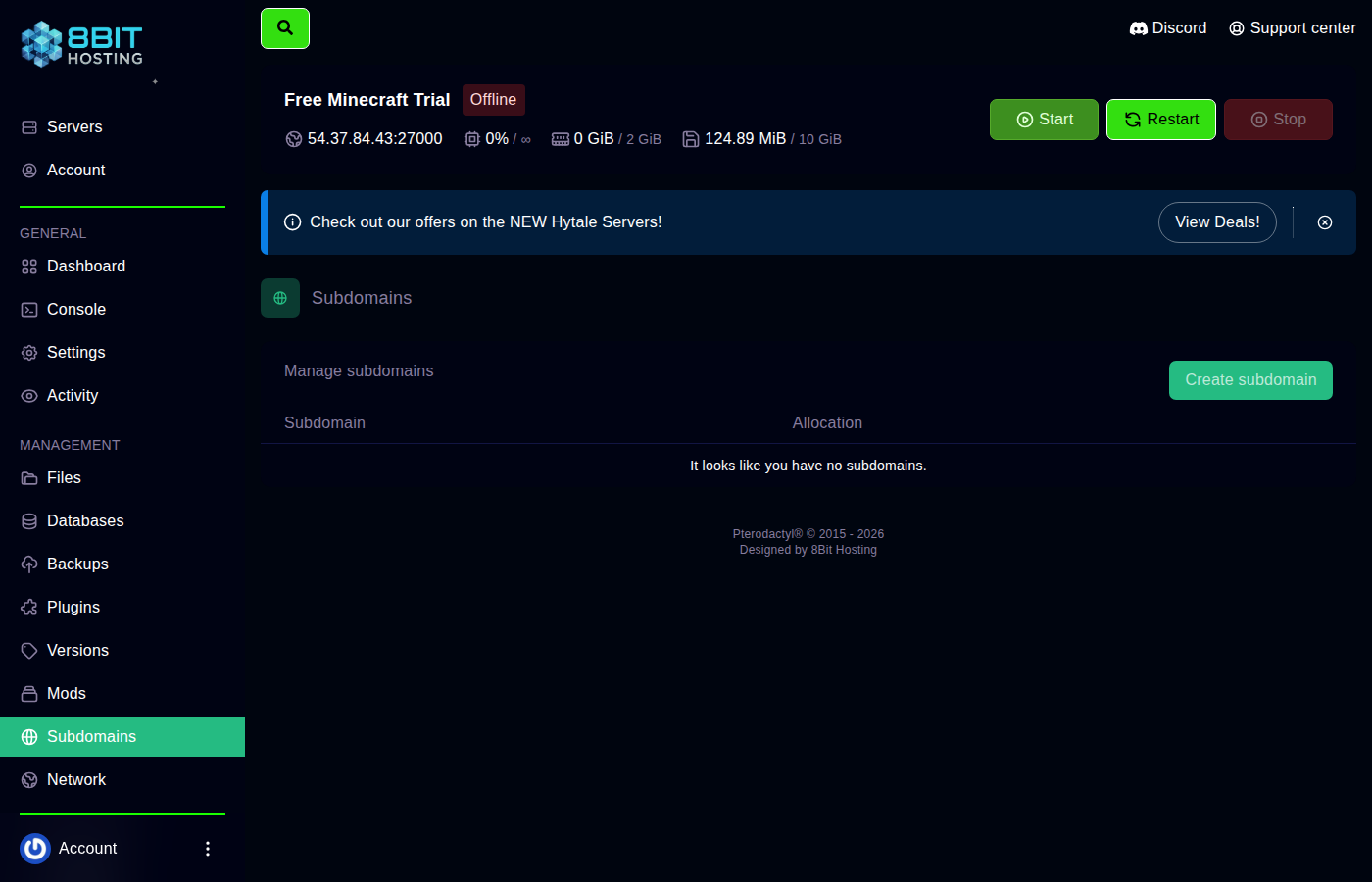 Open the Subdomains tab
\nLog in at panel.8bit-hosting.com, open your server and click Subdomains in the sidebar.
\nStep 2: Create your subdomain
\nEnter the name you want, entering myclan gives you myclan.8bit-hosting.com. Choose the game type from the dropdown (this sets up the correct DNS record). Click Create.
Minecraft note: Minecraft Java Edition uses SRV records, so players can connect without typing the port number.
\nStep 3: Share the address
\nYour new address is active immediately. Share it with your players and they can connect straight away.
\nSubdomain not working?
\n- \n
- DNS can take up to 5 minutes to propagate, try again shortly. \n
- Make sure the server is running. \n
- Try the raw IP and port first to confirm the server is online. \n
Need help? Join our Discord or email support@8bit-hosting.com.
 8Bit Hosting